



You are here
Our Coffees FAQ
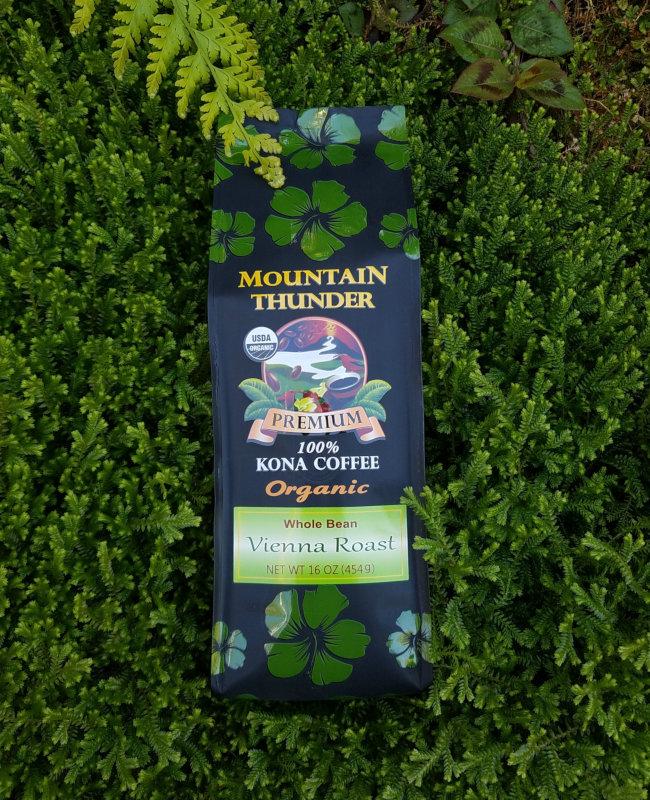
Mountain Thunder’s Organic 100% Kona Coffees are grown on a few select USDA Certified Organic farms in Kona, Hawaii. Processing, roasting, and packaging are done at our USDA Certified Organic mill and roastery in Kona.
These are genuinely remarkable coffees, grown with utmost tender love and care for creating a Kona Organic Coffee with an exceptional taste profile. Our 100% Kona Organic is available in Vienna Roast (medium).
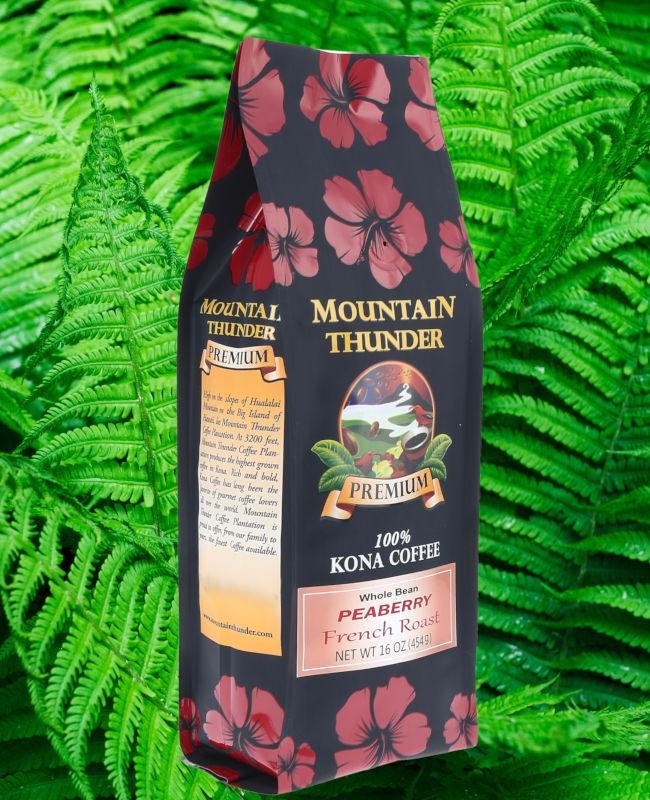 Peaberry
Considered by many to be the ultimate in gourmet Kona coffee, our Peaberry coffee is both rare and highly-prized. Many coffee aficionados believe the Peaberry bean creates a more intense fruity flavor and ideal levels of acidity, giving it a very smooth finish. Only about 4% of all Kona coffee is peaberry. We offer the Peaberry in a Vienna Roast (medium) and French Roast (medium-dark).
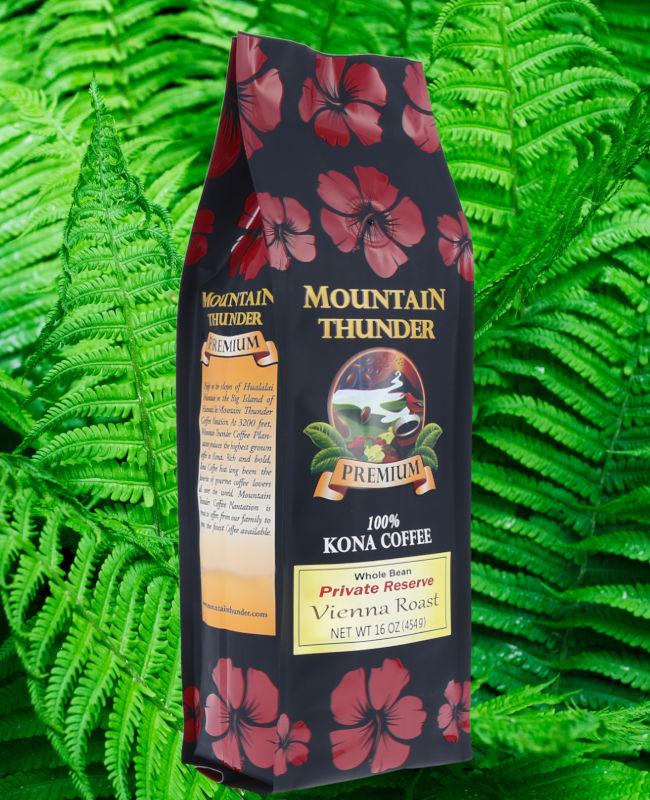 Private Reserve
100% Kona Private Reserve Coffee is comprised of the largest, more flavorful Kona coffee beans. Available in our American (light), Vienna (medium), French (medium-dark), and Black & Tan (blend of light and dark).
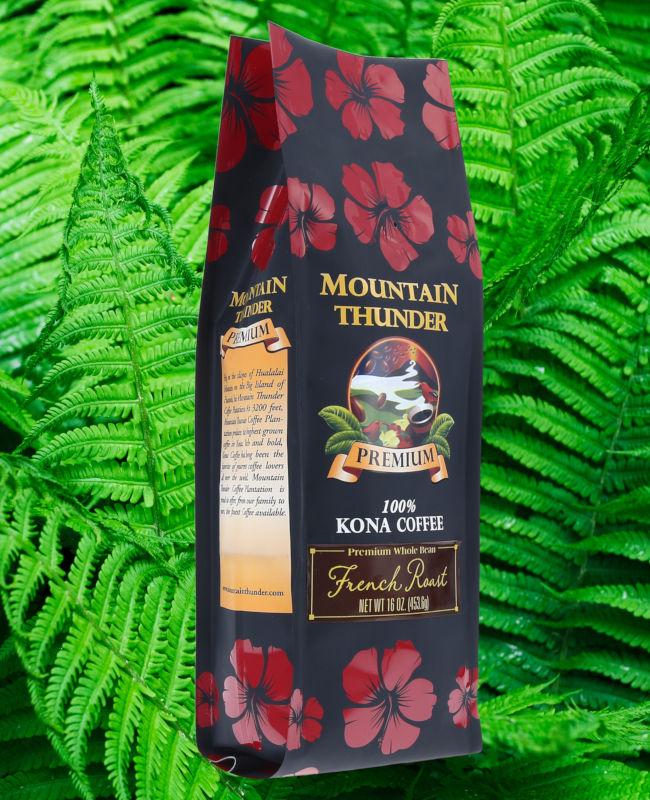 Premium
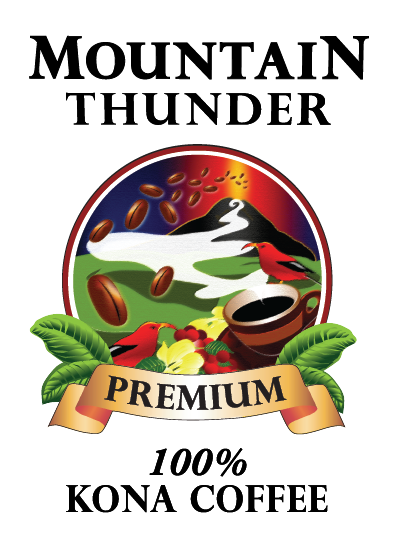
100% Premium Kona Coffee is the most economically priced coffee available at Mountain Thunder. However, the high-quality standards you have come to expect are still in place. Available in Vienna (medium) and French (medium-dark) Roasts.
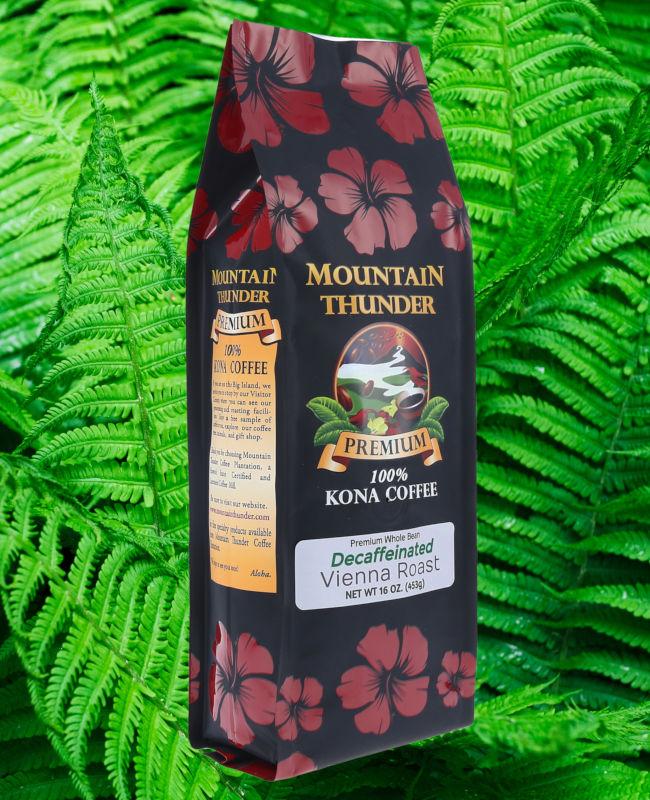 Decaf
DecafFor lovers of gourmet Kona coffee, who want to avoid caffeine, we offer our CO2 Decaffeinated Kona coffee. The CO2 process naturally and gently removes the caffeine from our 100% Kona coffee beans in order to maintain the unique flavor profile of Kona coffee. Available in our expertly roasted Vienna (medium) or French (medium-dark) roasts.
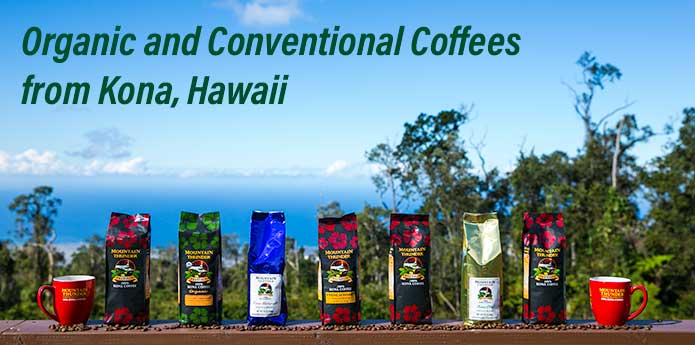
***All our coffees are hand-picked, air dried, and small batch roasted to perfection. We hope you enjoy!***